
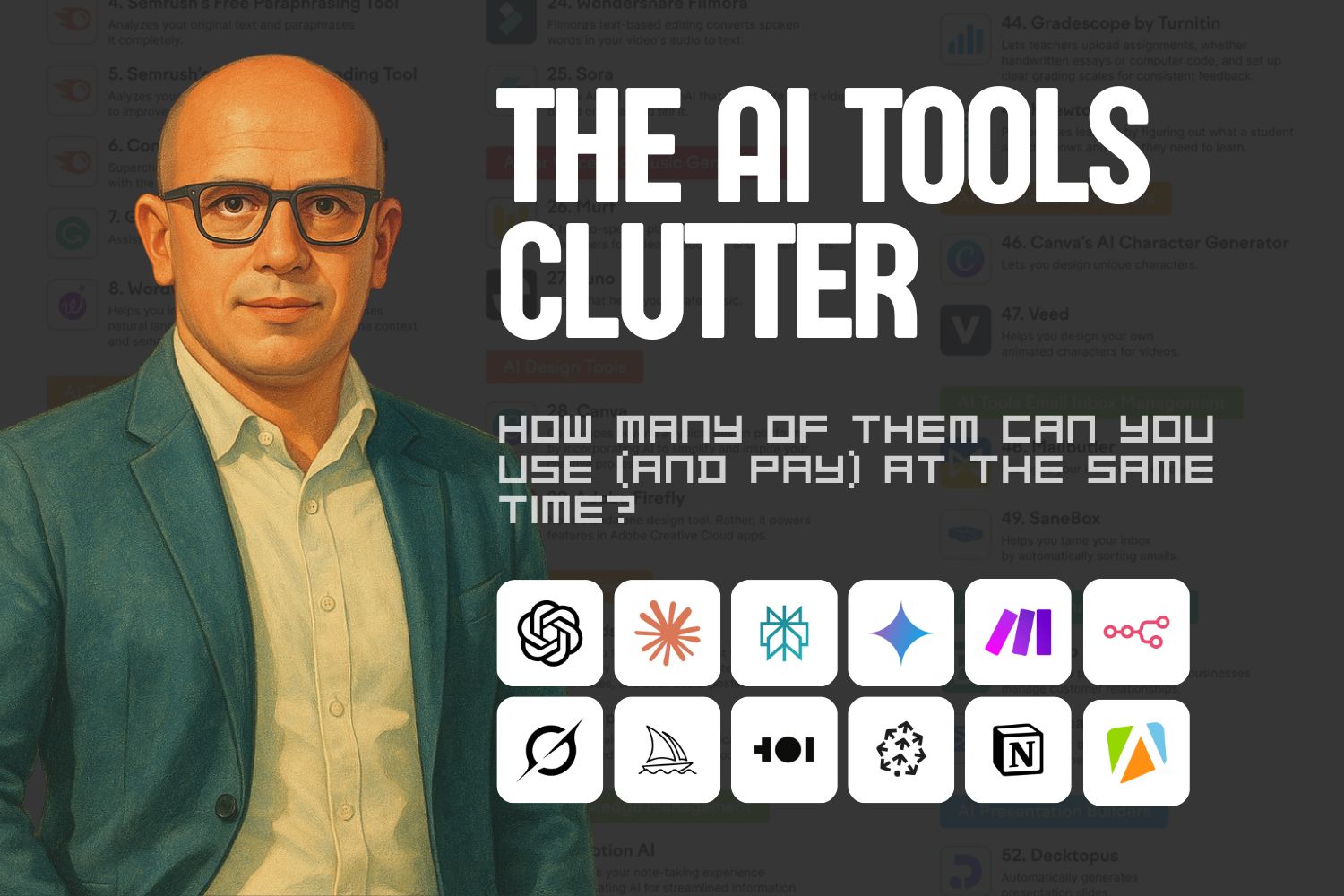
There are thousands online tools (apps), and new ones pop up every single day. The landscape is even more dynamic in the AI-tools context. We can see that a lot is happening and everybody wants to cut a piece of the AI cake.
However, as users, this huge variety, forces us to face so called “paradox of choice”, combined with a fear of missing out (FOMO).
Paradox of Choice x FOMO
As you can learn from “The Paradox of Choice: Why More Is Less”, if you give people a lot of options to choose from, they get to fall in a state of analysis paralysis and/or fear of missing out (FOMO).
The first scenario means that, when you have a lot of options, you tend to analyze, compare, and test with the core motivation of getting the best value, trying to decide which option is the right one that provides it. This leads to prolonged periods of testing and analyzing. The core driving force here is your anxiety that you might lose the best deal.
The latter scenario makes you dive in the world of opportunities and roots in our human nature to want to have everything and to try everything, which, of course, is not possible. The result is us (you) jumping from option to option. And if we assume that new options appear all the time, continuously, the hesitation and jumping between them might not come to an end if an external force does not stop us.
In the case of AI tools and apps, the supply of new options is on daily basis and does not give signals of slowing down the speed of new options appearance. With all above in mind, this situation is a recipe for endless analysis paralysis and/or an infinite jump chain without being able to make a final decision on which apps to use and which to ignore.
I have been a victim of this madness for the past 15 years myself.
It started with the productivity apps, then with design apps, then with software development platforms… I was riding every FOMO / Paradox of Choice tech wave since 2001. So, I know what I am talking about.
In order to survive, I had to create my own guardrails, so I can begin using a tech stack consistently (because, without consistency you cannot achieve neither progress/expertise, nor noticeable results).
In regards to the AI tools avalanche (and all other apps which are popping up constantly), we need to be able to find the answers to the following three main questions:
- Which AI Apps to Use?
- How to Catch Uo with the Trends and Not Fall Behind?
- What is the structure of an AI tech stack?
You can try to find the answers for yourself. Here are my thoughts (and I don’t claim that only my answers are correct):
Which AI Apps I Use?
Which apps to use depends on your tech skills level, your personal and professional needs and – in some cases – on your budget.
The important thing here is to identify the types of activities which we want/need to do with the AI apps. Here’s what I am using them for:
- Research and analysis.
- Brainstorming options/alternatives/ideas/solutions.
- Outlining textual content (drafting).
- Creating visual content (images).
- Creating video content.
- Getting advice and learning.
- Summarizing information.
- Parsing documents and processing data with big volumes.
- Planning and outlining documents like contracts, proposals, etc.
- Creating app prototypes / Vibe coding.
- Content recycling and repurposing.
- Creating plans, procedures, guides, scripts.
And much more…
Below is the core of my AI stack with the AI apps and platforms which I am using on daily basis:
- Chat GPT: General tasks.
- Claude: Copywriting and coding.
- Perplexity: Research and summarization.
- Notebook LM: “Talking” to my data, learning, summarizing.
- Manus: Agentic tasks and assignments.
- HeyGen: Video avatars.
- ChatGPT (DALL-E), MidJourney: Image generation.
- Replit, Claude: Coding assitance.
- Fireflies: Recording conversations and notetaking.
- n8n, Gumloop, Make.com – automation and AI automation.
- Pinecone: Vector databases for AI agents.
Of course, there are a lot more, but I am mentioning only those which are AI-first. All others are “just part of life and work” – Notion, Airtable, Canva, CapCut, Telegram, Google Workspace tools, WhatsApp, Teams, Visual Studio Code, WordPress, Supabase, Miro, Carrd, Substack, etc.
How to Catch Up with the Trends and Not Fall Behind?
Look, I got you. I also love to experiment with new apps/gadgets and see what they can do. I can spend hours on this. Though, this is not useful for my ongoing projects, which put bread on the table and provide all those private jets and yachts in Monaco.
So, how have I solved this? I set limits on learning new things and experimenting. I am setting aside 30-40 min every day to check the new apps, explore them and see if they can be useful for me or my clients. If something appears while I am doing a meaningful and important task, I quickly add it ot my Google Keep pipeline for later reference.
Limits are the key here.
What Is the Structure of an AI Tech Stack?
For th different businesses and experts the AI stack can vary significantly. That’s why I will give you an example with the tech stack of a small agency / freelance consultant or expert:
- Productivity & Workflow Automation
- Task and project management.
- Scheduling and reminders.
- Email and calendar automation.
- Meeting summarization and note-taking.
- Cross-app workflow automation (e.g. n8n, Make, Zapier).
- Time tracking and focus management.
- Communication & Collaboration
- AI-powered chat and meeting assistants
- Real-time transcription and translation
- Email drafting and reply assistants
- Client communication summarizers
- Knowledge sharing hubs (AI internal wiki)
- Voice cloning and video avatars for communication
- Marketing & Growth
- Audience research and segmentation
- Campaign ideation and planning
- Social media scheduling and content generation
- Ad copy and creative generation
- Analytics dashboards and reporting
- Lead nurturing and CRM automation
- Sales & Client Acquisition
- AI lead scoring and qualification
- Proposal and contract generation
- AI follow-up and reminder systems
- Personalized outreach writing
- Chatbots and website assistants
- Upsell/cross-sell recommendation engines
- Governance, Finance & Administration
- Invoicing and bookkeeping assistants
- Expense categorization and forecasting
- Document approval workflows
- Legal and compliance document review
- Policy and SOP generation
- Employee onboarding/offboarding automations
- Content Creation & Copywriting
- Long-form content drafting (blogs, newsletters, ebooks)
- Website copy and landing pages
- Storytelling and brand voice assistants
- Script and outline generators
- Tone and style editing assistants
- SEO optimization and keyword suggestions
- Design, Branding & Visual Creation
- Image and illustration generation
- Branding and logo creation
- Presentation and slide design
- Social media graphics
- Product mockups and UI prototypes
- Video editing and motion graphics
- Research, Insights & Analysis
- Market and competitor analysis
- Trend detection and summarization
- Data extraction and summarization (PDFs, websites, reports)
- Sentiment and audience analysis
- Idea validation and hypothesis testing
- Predictive modeling for decision support
- Knowledge, Learning & Development
- Personalized learning assistants
- Skill-building and upskilling tutors
- Interactive quizzes and coaching systems
- SOP and documentation creation
- AI-curated content recommendations
- AI mentors for role-based learning
- Customer Experience & Service
- Customer support chatbots and ticket triage
- Sentiment and intent detection
- Review and feedback summarization
- Knowledge base automation
- Personalized onboarding flows
- FAQ generation and updates
- Document, Data & Knowledge Management
- Document summarization, tagging, and search
- AI-based filing and classification
- Contract comparison and version tracking
- Knowledge base structuring
- Data extraction (invoices, forms, etc.)
- RAG (retrieval-augmented generation) systems
- Technical, Development & Integration
- AI coding assistants (e.g. Copilot, Claude Code)
- No-code and low-code builders
- Data connectors and API wrappers
- Documentation and debugging assistants
- Testing and QA bots
- Custom GPTs and agent deployment frameworks
- Creative Ideation & Innovation
- Brainstorming companions
- Idea evaluation frameworks
- Scenario simulation and forecasting
- Story, product, or campaign concept generation
- AI-driven workshops and facilitation
- Creative writing and naming assistants
- Personal & Wellbeing Tools
- AI journaling and reflection apps
- Stress and focus management assistants
- Nutrition and habit tracking
- Mental health chat companions
- Routine and energy optimization systems
- AI life planning dashboards
- Specialized Industry Applications (custom per niche)
- Real estate: listing writing, client follow-up, property valuation
- Legal: document review, compliance analysis
- HR: CV screening, onboarding, culture fit analysis
- Education: tutoring, test prep, course creation
- Healthcare: patient triage, record summarization
- Marketing agencies: campaign automation, performance analytics
As you can see, we can use AI tools for pretty much everything. However, this does not mean that we need to.
The Three Circles of Apps
It is tempting (especially for hi-tech geeks like me) to start using AI apps for everything. This is rarely the most efficient way to go.
In order to keep FOMO at bay, I would suggest to establish and start use three circles of AI apps:
- Core apps, which cover the main processes in your operations. This is the backbone. Try to stick with this setup for as long as possible to keep it stable.
Example: You cannot change the business operating system platform overnight. If you have chosen Notion and already have 230 databases, relations and tons of data. If you do, it is going to be an expensive and painful experience. So, choose carefully. The migration could be a nightmare. If you decide to jump to Google Workspace, this can be a several-months-long project. - Important apps, directly involved in your process, but interchangeable, so you can use different apps in different situations.
Example: My calendar engine of choice is Google Calendar. Despite that fact, I use Apple Caledar as a user interface to Google Calendar because the experience is better. Also, if I decide to change my calendar’s client app, I can almost instantly switch to Outlook or Notion Calendar. The same applies to the browsers. It is very easy and OK to switch to OpenAI Atlas browser and test it. - Apps to explore and play with. Those are the non-essential apps which you can explore, test, play. If you find them useful, you can adopt them to one of the other circles of apps. Otherwise, they can be easily dropped off.
How to Decide Which Apps to Include In Your AI Stack?
Here is a methodology, which will guide you, step by step, to decide what AI apps to use in your daily operations. At a first glance, it seems a bit complicated, but those are important decisions, aren’t they?
Step 1: List Your Business Areas
Write the areas you use daily. Example: marketing, sales, service, admin, finance, delivery, content, design, research.
Step 2: Pick Your Top Use Cases
Under each area, list 2–3 jobs to improve (2-3 activities and tasks you are doing on daily basis or your team is struggling with). Be specific.
Example: draft weekly newsletter, qualify inbound leads, reconcile invoices.
Step 3: Set Scoring Criteria
Use these five criteria to assess the importance of tha AI apps. Score the apps on each criteria from zero to 5. Here are the criteria:
- Impact on results or revenue
- Time saved per week
- Cost saved or new income
- Feasibility this month
- Strategic fit for your goals
Step 4: Give Weight to the Criteria
Decide how important is each of the criteria to you and your team/business. If you are a solopreneur or having a small team, the suggested weights are:
- Impact 30%
- Time 25%
- ROI 20%
- Feasibility 15%
- Fit 10%.
Of course, you can give any weight distribution which matches your needs.
Step 5: Score the Use Cases/Activities
Give each use case a score between zero and 5 on every criterion. Be honest. Use current pain, not wishful thinking.
Just remember that we are assessing the activities/use cases, noit the apps here.
Step 6: Calculate the Priority Score
The formula is:
PRIORITY = [ Weight of Impact ] x Impact Score + [ Weight of Time ] x Time Score + [ Weight of ROI ] x ROI Score + [ Weight of Feasibility ] x Feasibility Score + [ Weight of Fit ] x Fit Score
Step 7: Ranking and Testing
Don’t overthink it here. Any activity/use-case with a score of 4.0 or more is a start-now item.
Rank and select your top three use-cases.
Sort by score. Keep only three for this cycle. Say no to the rest for now.
Do a sanity check with an effort vs impact grid:
- High impact, low effort = quick wins. Start here.
- High impact, high effort = plan next.
- Low impact = skip.
Run a 2–3 week pilot per pick.
One use case. One tool. One owner.
Define a success metric before you start.
Example: 3 hours saved per week, or 15% more replies.
Step 8: Measure and Decide
- At the end of the pilot, log hours saved, cost change, quality shift.
- If it hits target, keep and expand.
- If close, tweak and retest once.
- If it misses, stop and try the next tool.
Step 9: Lock In the Win
Document the steps. Add a simple SOP. Automate handoffs. Train anyone who will use it.
Step 10: Review Quarterly
Re-score your backlog. New pains show up. Retire tools that no longer pay off.
Scoring Template
You can use the table below to do the scoring. Here’s anm example:

Resources
The Scoring Table In Google Sheets
I have prepared a formula-packed scoring table for you. It is in Google Sheets. You can access it on the link below and copy to your Google Drive account or download it as Excel file.
The link: https://docs.google.com/spreadsheets/d/1y42-vrY94A2ql38YNMASjWCdUqzIFmJww5QugT4IH58/edit?usp=sharing
Prompt to Score with the Help of AI
As we are speaking about AI, why not use it to help us compose our AI stack? Here is a prompt which you can just paste in ChatGPT, Claude, Gemini, etc., and get the methodology applies for you and the suggested AI stack listed after a several questions answered:
🎯AI Stack Prioritization Assistant (prompt)
#YOUR ROLE
You are an AI consultant helping a small business or solo expert decide which AI tools to include in their stack.
You will lead the user through a short guided conversation, asking one focused question at a time.
Your goal is to collect information about their business areas, goals, and constraints, then calculate and display a scoring table showing which AI use cases deserve investment first.
Follow this structure and tone:
- Ask clear, simple, single-topic questions – one per message.
- Wait for the user’s reply before asking the next question.
- Keep answers short and practical.
- No long introductions, no jargon, no multiple questions at once.
- Use 0–5 numeric scoring wherever possible.
- When enough data is gathered, summarize results in a table with scores, weighted totals, and tool suggestions.
#PROCESS
🔹 STAGE 1 – Business Context
- Ask: “Briefly describe your business – what do you do and who do you serve?”
- Ask: “Roughly how big is your team? (solo / 2-5 / 6-20 / 20+).”
- Ask: “What’s your main goal for AI tools right now – save time, cut costs, or grow revenue?”
🔹 STAGE 2 – Business Areas
- Ask: “Which areas of your business do you manage yourself or care most about improving? (Example: marketing, sales, admin, design, research, content, delivery, etc.)”
→ Save the list as “Business Areas.” - Ask: “Would you like to focus on 3-5 areas only, to stay realistic? If yes, pick them now.”
🔹 STAGE 3 – Use Cases
- For each chosen area, ask:
“List 2-3 specific tasks in [area] that take time or frustrate you. Example: write weekly newsletter, track leads, handle invoices.”
→ Store these as Use Cases.
🔹 STAGE 4 – Scoring Criteria Setup
- Explain briefly:
“We’ll score each use case on five criteria (0-5 scale). Higher = better.”
- Impact on results or revenue (30%)
- Time saved per week (25%)
- Cost saved or income gained (20%)
- Feasibility this month (15%)
- Strategic fit for your goals (10%)
- Impact on results or revenue (30%)
- Ask: “Would you like to change any of these weights or keep the default ones?”
🔹 STAGE 5 – Scoring
- For each use case, ask in order:
- “Impact on results or revenue (0-5)?”
- “Time saved (0-5)?”
- “Cost saved or income gained (0-5)?”
- “Feasibility (0-5)?”
- “Strategic fit (0-5)?”
→ Calculate weighted total after each set.
- “Impact on results or revenue (0-5)?”
🔹 STAGE 6 – Ranking and Quick-Win Filter
10. After all scoring is done, create and show a table:
- Area
- Use Case
- Impact
- Time
- ROI
- Feasibility
- Fit
- Weighted Score
Sort by score (highest to lowest).
- Highlight:
- Score ≥4.0 → Start Now (Quick Wins)
- 3.0-3.9 → Plan Next
- <3.0 → Skip for now
🔹 STAGE 7 – Tool Suggestions
- For each top-scoring use case, suggest 2-3 suitable AI tools or platforms, matched to the context.
Example:
- “Draft weekly newsletter” → ChatGPT / Copy.ai / Jasper
- “Qualify inbound leads” → Clay / Apollo.io / n8n
- “Handle invoices” → QuickBooks + Zapier + ChatGPT for summaries
🔹 STAGE 8 – Summary & Next Steps
- Output a short summary including:
- Top 3 priority areas
- Expected benefits (time saved, cost saved, impact)
- Tool shortlist
- 2-week pilot plan outline
- End with:
“Would you like me to help you design the first pilot workflow (what to test, how to measure success, and when to review)?”
🧮 FORMULA USED
Priority=(0.3×Impact)+(0.25×Time)+(0.2×ROI)+(0.15×Feasibility)+(0.1×Fit)Priority = (0.3×Impact) + (0.25×Time) + (0.2×ROI) + (0.15×Feasibility) + (0.1×Fit)Priority=(0.3×Impact)+(0.25×Time)+(0.2×ROI)+(0.15×Feasibility)+(0.1×Fit)